Table of Contents
ToggleIPTV Not Working? Here Are the Most Common Reasons
An IPTV subscription can stop working for many reasons. Sometimes the problem comes from your internet connection. Other times, the issue may be with your LUX IPTV app, device, server, login details, or even your IPTV provider.
Before you assume your service is bad or start looking for the best IPTV service, it is important to understand what usually causes IPTV problems. Many issues are simple and can be fixed without changing your plan.
In this guide, you will learn the most common reasons LUX IPTV stops working, why channels may buffer, why your app may fail to load, and what to check before contacting your provider.
1. Your Internet Connection Is Too Slow
One of the biggest reasons IPTV does not work properly is a weak or slow internet connection. IPTV depends on stable internet because live channels, movies, and sports streams are delivered online.
If your internet speed is low, you may face:
- Buffering
- Freezing
- Channels not loading
- Poor picture quality
- Audio delay
- App crashes
This becomes even more important if you are using 4K IPTV. A 4K stream needs a stronger and more stable connection than standard HD content.
For smooth streaming, your internet should be fast enough for the quality you are watching. If your IPTV works on lower quality but not on 4K, your connection may not be strong enough for ultra-high-definition streaming.
2. Your IPTV Subscription May Have Expired
Another common reason IPTV stops working is an expired IPTV subscription. Many users forget to renew their plan, especially if they are using monthly or short-term packages.
When a subscription expires, you may see messages like:
- Invalid account
- Login failed
- Playlist not loading
- No channels available
- Server error
Before changing settings or deleting your app, check whether your subscription is still active. Your IPTV provider should be able to confirm your account status.
3. IPTV Server Downtime
Sometimes the problem is not your device, internet, or app. The IPTV server itself may be down.
Server downtime can happen because of:
- Maintenance
- Technical problems
- Heavy traffic
- Provider-side updates
- Temporary service outages
Even the best IPTV service can sometimes experience temporary server issues. If many users are facing the same problem at the same time, the issue is likely from the provider’s side.
In this case, you usually need to wait until the server is restored or contact your IPTV provider for an update.
4. Wrong Login Details
Incorrect login details are another simple but common cause. If your username, password, M3U link, or portal URL is typed incorrectly, your IPTV app may not connect.
This can happen when:
- You copy the link incorrectly
- There is an extra space in the URL
- The password was changed
- The provider updated your login details
- You are using the wrong portal address
Always copy and paste login details carefully. A small spelling mistake can stop your IPTV subscription from working.
5. Your IPTV App Is Not Updated
IPTV apps need updates to work properly. If your app is outdated, it may have bugs, loading problems, or compatibility issues.
An outdated app can cause:
- Channels not opening
- EPG not loading
- Playlist errors
- App freezing
- Black screen issues
Updating the app can often fix these problems. Whether you use IPTV Smarters, TiviMate, Smart IPTV, XCIPTV, or another app, make sure you are using the latest version available for your device.
6. Your Device Has Low Storage or Memory
Your IPTV may also stop working if your device is overloaded. Smart TVs, Android boxes, Fire Stick devices, and mobile phones can slow down when storage is full or too many apps are running.
This can affect your IPTV experience by causing:
- Slow loading
- App crashes
- Buffering
- Delayed response
- Freezing during playback
If you are using 4K IPTV, your device needs enough power to process higher-quality video. Older devices may struggle with 4K streams, even if your internet connection is fast.
Clearing cache, closing background apps, and restarting your device can help improve performance.
7. IPTV Playlist or M3U Link Issues
Many IPTV services use M3U playlists. If the playlist link is broken, expired, or changed by the provider, your channels may not load.
Common signs of playlist problems include:
- Empty channel list
- No categories showing
- “Failed to load playlist” error
- Some channels missing
- Movies or series not appearing
If this happens, ask your IPTV provider to confirm whether your M3U link is still valid. Sometimes providers update playlist links, and you need to enter the new one.
8. DNS or Network Blocking Issues
In some cases, IPTV problems may be caused by network restrictions. Your internet service provider, router settings, or DNS configuration may affect access to certain IPTV servers.
This can result in:
- Channels not connecting
- App loading slowly
- Random disconnections
- Some streams working while others fail
A stable DNS setup and proper router configuration can help. However, you should always use IPTV services that are legal and authorized in your region.
9. Your IPTV Provider Has Poor Server Quality
Not every IPTV provider offers the same level of service. Some providers have better servers, stronger uptime, and more stable streams. Others may overload their servers, which causes buffering and downtime.
A poor provider may cause:
- Frequent freezing
- Channels disappearing
- Weak customer support
- Low-quality streams
- Unstable 4K channels
When choosing the best IPTV service, do not only look at the number of channels. Also consider server stability, legal availability, customer support, device compatibility, and stream quality.
A reliable IPTV provider should offer clear support, stable access, and honest information about what their service includes.
10. 4K IPTV Requires Stronger Performance
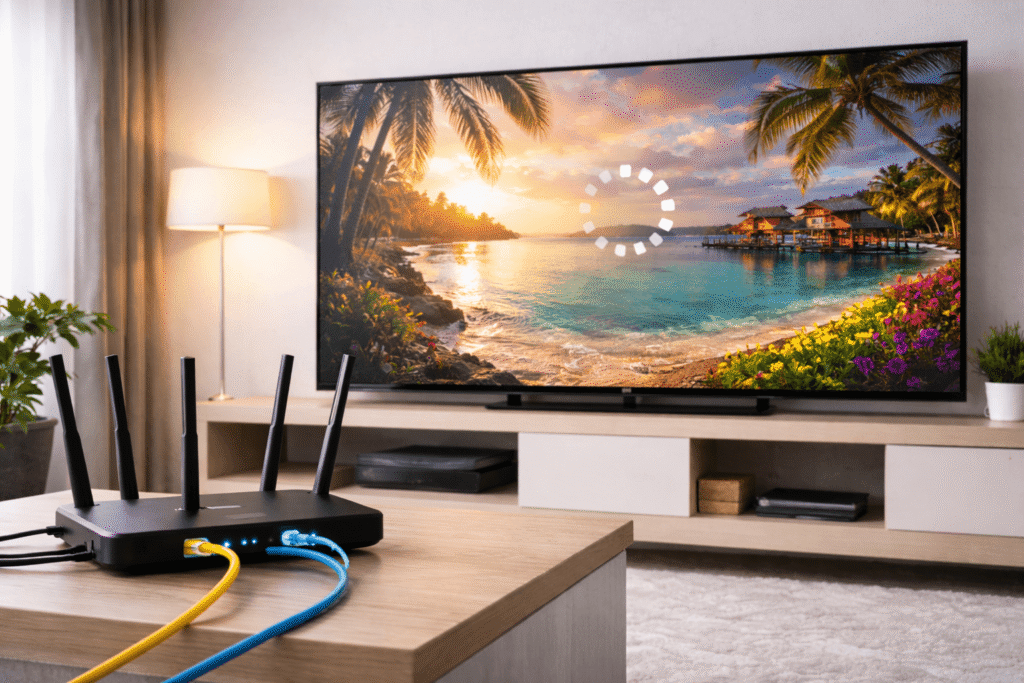
If normal HD channels work but 4K IPTV does not, the issue may be related to speed, device performance, or server quality.
4K IPTV needs:
- Faster internet
- Stronger device hardware
- Stable Wi-Fi or Ethernet
- Better server performance
- Compatible LUX IPTV app
For best results, using a wired Ethernet connection is often better than Wi-Fi. This can reduce buffering and improve stream stability, especially for live sports and 4K content.
11. Too Many Devices Are Connected
Some IPTV subscriptions only allow one device or a limited number of connections. If you try to use the same account on multiple devices at the same time, the service may stop working.
You may see:
- Login errors
- Account blocked message
- Stream disconnecting
- Channels not opening
Check your subscription rules. Your IPTV provider should tell you how many devices are allowed with your plan.
12. The Channel Itself May Be Down
Sometimes only one channel does not work, while the rest of your IPTV subscription works fine. This usually means the issue is with that specific channel source, not your full service.
For example:
- One sports channel may freeze
- One movie channel may show a black screen
- One country category may not load
- One 4K channel may buffer more than others
If only one or two channels are affected, report them to your provider. If all channels are down, the issue is probably bigger.
How to Check Why Your IPTV Is Not Working
Before contacting support, try these simple checks:
- Restart your device
- Restart your router
- Check your internet speed
- Confirm your IPTV subscription is active
- Update your IPTV app
- Re-enter your login details carefully
- Clear app cache
- Try another device
- Test another internet connection
- Contact your IPTV provider
These steps can help you understand whether the problem is with your internet, app, device, or provider.
How to Choose a Better IPTV Provider
If your LUX IPTV keeps failing again and again, it may be time to compare other options. The best IPTV service should offer more than just a long channel list.
Look for an IPTV provider that offers:
- Stable servers
- Good customer support
- Clear subscription plans
- HD and 4K IPTV options
- Device compatibility
- Simple setup instructions
- Legal and authorized content access
A cheap IPTV subscription may look attractive, but poor stability can ruin the experience. It is better to choose a reliable provider than to keep dealing with constant buffering and downtime.
Final Thoughts
If your LUX IPTV is not working, do not panic. Most problems come from simple causes like slow internet, expired subscriptions, app errors, wrong login details, or temporary server downtime.
A good IPTV subscription should work smoothly with a stable internet connection, updated app, and compatible device. If you want 4K IPTV, make sure your internet speed and device are strong enough. And if problems continue, your IPTV provider may be the main issue.
Before choosing the best IPTV service, always check reliability, support, streaming quality, and legal availability. A stable service will save you time, frustration, and constant troubleshooting.
FAQ
Why is my IPTV subscription not working?
Your IPTV subscription may not be working because of slow internet, expired account, wrong login details, server downtime, outdated app, or device issues.
Why does IPTV keep buffering?
IPTV usually buffers because of weak internet, overloaded servers, Wi-Fi problems, or high-quality streams such as 4K IPTV that need more speed.
Does 4K IPTV need faster internet?
Yes. 4K IPTV needs a faster and more stable internet connection than HD or SD streaming. A weak connection can cause freezing and buffering.
How do I know if my IPTV provider is the problem?
If your internet and device are working fine but IPTV still fails often, your IPTV provider may have unstable servers or poor service quality.
What should I check before changing IPTV service?
Before switching to another best IPTV service, check your internet speed, subscription status, login details, app version, device performance, and provider server status.
This is a great breakdown of why IPTV can stop working. I’ve found that even with a decent connection, 4K streams can struggle, so it’s worth checking both your internet speed and the app or device settings before assuming the service is the problem.
This guide really highlights the often overlooked fact that slow internet is the primary culprit for buffering, especially when trying to stream 4K content. It’s helpful to know that many of these issues can be resolved locally before assuming the IPTV provider is at fault. I definitely need to check my connection speed before jumping to conclusions about the service quality.
This is a vital reminder that buffering issues are often rooted in insufficient bandwidth for high-quality 4K streams rather than provider faults. I really appreciate how the article emphasizes troubleshooting your connection before assuming the service itself is broken. It’s a practical guide that saves users from unnecessary frustration when simply upgrading their internet plan might be the real solution.